High Quality CAD and Blueprint Scanner Systems
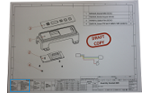
All Colortrac scanners are ideal for scanning CAD drawings, blueprints or any wide format technical document.
If you only want to scan technical documents, choose a SmartLF SCi wide format scanner. If you want the versatility to scan technical documents, artwork and photos, choose one of the SGi scanners.
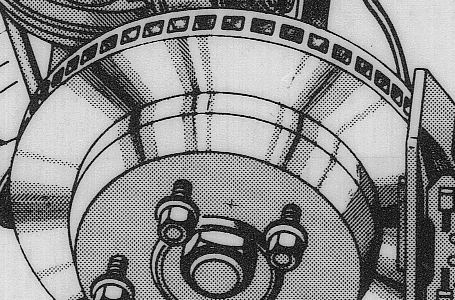
If your technical documents are dirty or in poor condition, we also recommend SmartWorks Imaging software. This allows you to quickly and easily clean up CAD drawings or blueprints.
Scanning your technical documents using the SmartLF SCi wide format scanner – key benefits
- Sharp, accurate scans especially suited to technical documents like CAD drawings / blueprints.
- Advanced paper transport and illumination systems mean that even folded CAD drawings / blueprints scan sharp and shadow free.
- High 600 or 1200 dpi optical resolution – more than enough for scanning any technical document.
- Choice of scanner widths up to 44″ (111.8 cm) – scan documents up to E and A0+ in size.
- Ready for use within seconds of power on – no warm-up, no waiting. Switch off when not in use.
- Fast mono and color scan speeds.
- Low cost to buy, economic to run.
- Upgradeable models: m (monochrome), c (color) and e (express color) – buy what you need when you need it and upgrade by email.
- Simple to use SmartWorks Touch software included with the scanner lets you scan to PDF, TIFF or JPG formats and make copies of your documents on any Windows printer.
Scanning your technical documents using SmartWorks software – key benefits
- “Intelligent Adaptive Thresholding” is a special alghorithm inside Colortrac software allows the operator to clean up the background of old CAD drawings and blueprints with almost no effort. Copies and prints that once were too difficult to read can be brought back into a near-new condition in digital form ready for archiving.
- “Scan-it-once” is the Colortrac time-saving innovation that applies to most of the processes that can be used to clean up and improve documents during live scanning. Simply review a document, then adjust and save the scan. There’s no need to rescan or even save the settings if you don’t want to as the software will continue to apply the changes. All of this adds up to a huge workflow prodctivity advantage.
More information about Colortrac professional scanning software
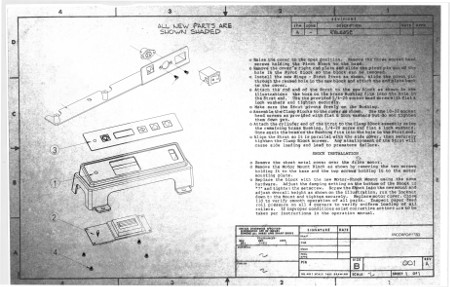
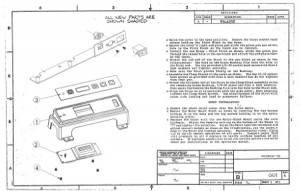
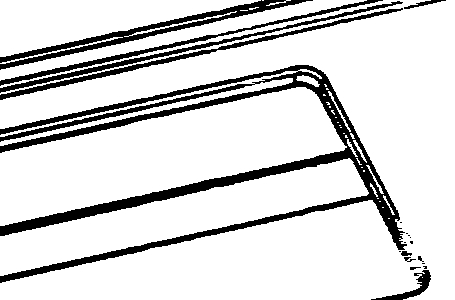
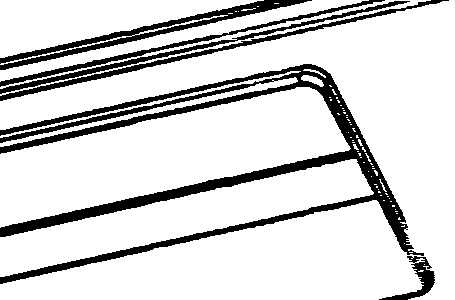
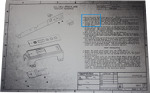
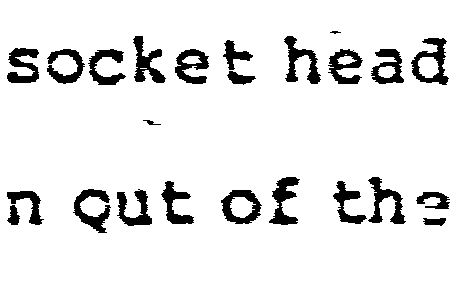
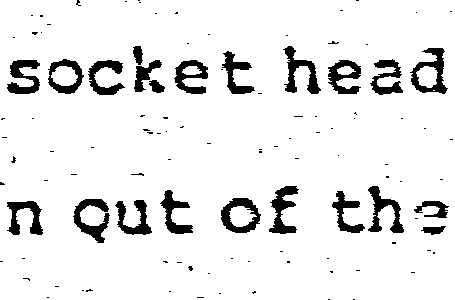
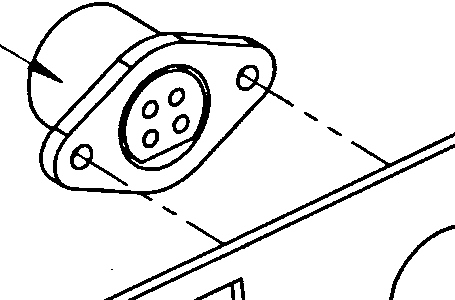
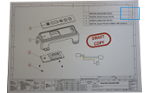
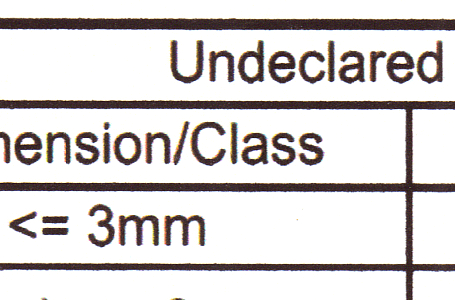
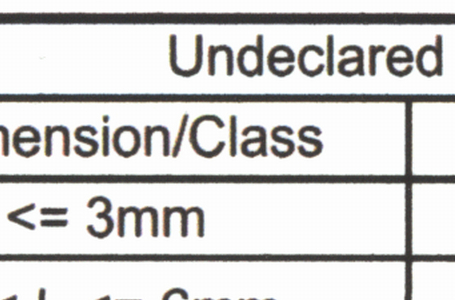
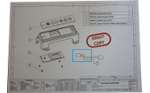
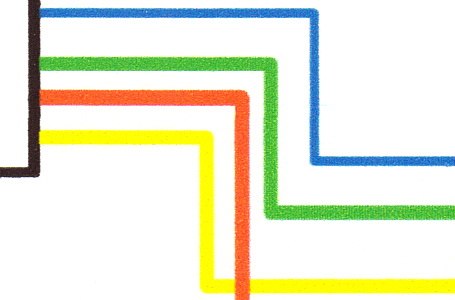
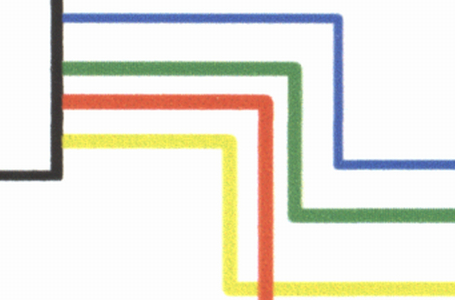
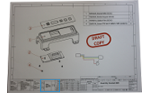
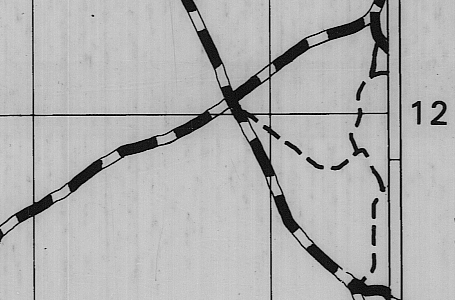
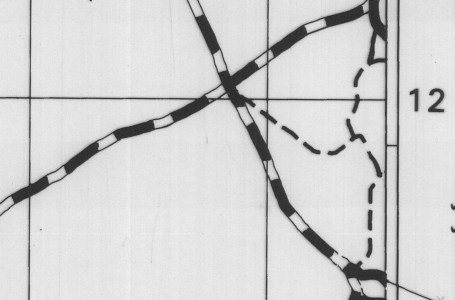
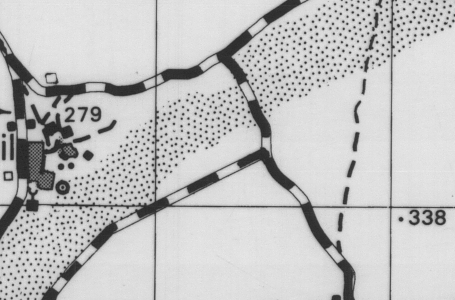
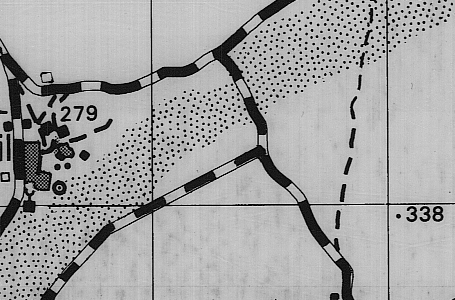
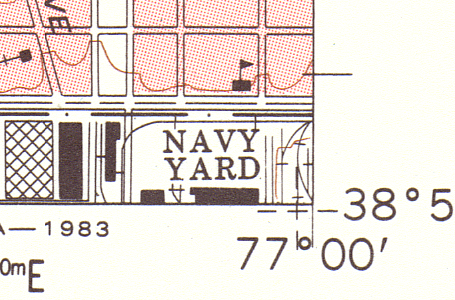
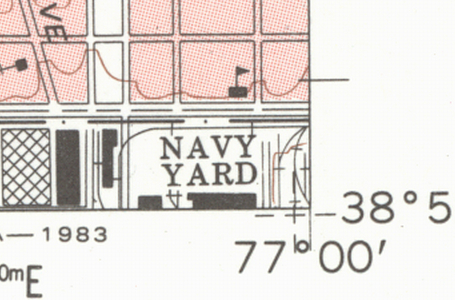
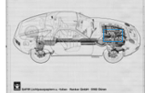
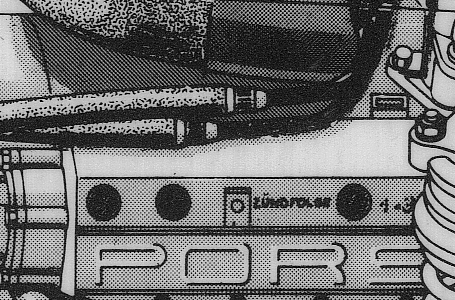
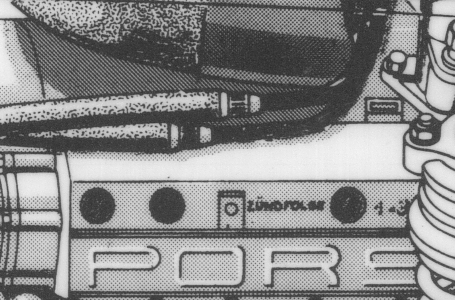
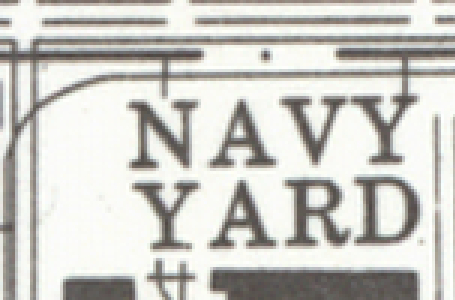
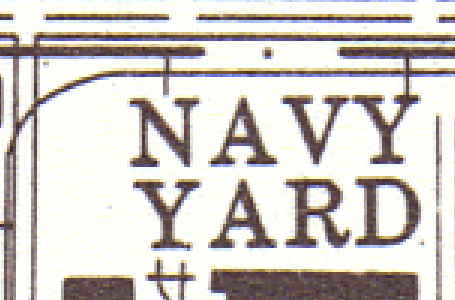
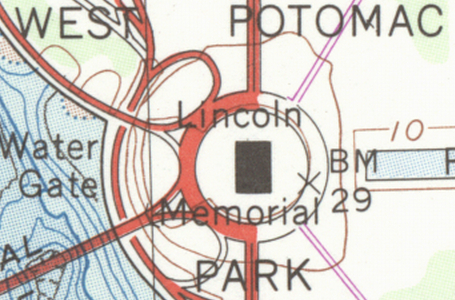
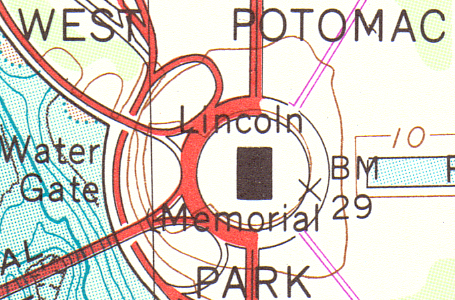
Original print and image after scanning on a Colortrac scanner using Colortrac professional scanning software.
Scanners perfect for technical drawings
Below is a selection of Colortrac scanners that are particularly well suited to scanning technical drawings. Click through to a product to find out more information and download a datasheet.
SmartLF SCi is our high-volume workhorse scanner series.
SmartLF Scan! is our portable scanner series well suited for technical drawings if you need to use it at a construction site or similar.
SmartLF SGi scanner series can also be used for technical drawings and is especially recommended if you also expect to scan thicker media.