How to choose a large format scanner
You need a scanner. But before you make any decisions or speak to someone, it’s often best to ask yourself some basic questions about how you want to use your scanner.
Continue reading, or start the tour here:
Choosing a scanner

What are you scanning?
- Photographs, artwork or line drawings
- Paper versus thicker media or images mounted on board
- Framed art
- Width required
- Crisp new drawings or older originals
How do you work?
- Scanning single documents, via batch runs or with the scanner in constant use
- Scan to file or scan to copy/print
Which scanning technology to choose?
- Contact Image Sensor (CIS)
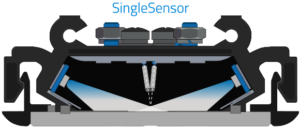
- Charged-coupled Device (CCD)
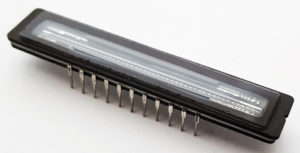
Generally, CCD is considered better for photographs and art applications. CIS is designed for use with technical drawings.
CCD and CIS will both scan color, though if that is your primary focus and you need true color fidelity you may wish to consider CCD.
Scanning large format documents
Paper versus thicker media or images mounted on board?
All scanners will work with standard paper thickness. You can also purchase carriers to hold very thin media as it is scanned.
Some scanners are also designed to take thicker media, frequently up to 15 mm or 0.6 inches. Only CCD scanners can maintain quality while scanning thicker media.
Which scan width is required?
Scanners are available in both small and larger sizes. Colortrac large format scanners come in sizes up to 44 inches or 1118 mm.
The most common large format scanner sizes are 24 inch, 36 inch and 42 inch. These accommodate standard US and European paper sizes.
Crisp new drawings or older originals?
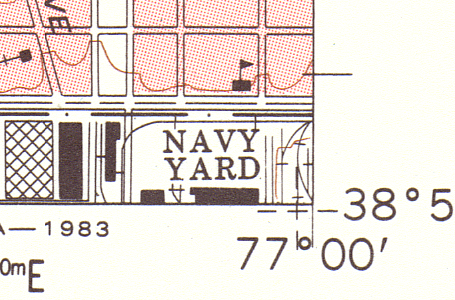
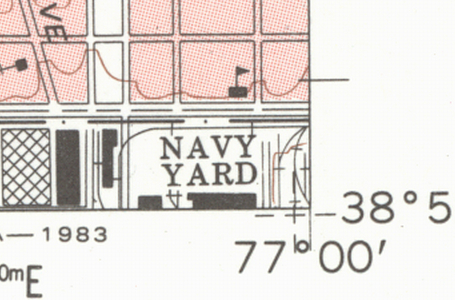
All scanners will produce good scans of crisp new drawings, but if you have older originals you may require a more specialist solution.
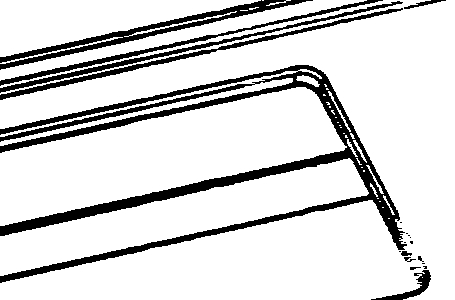
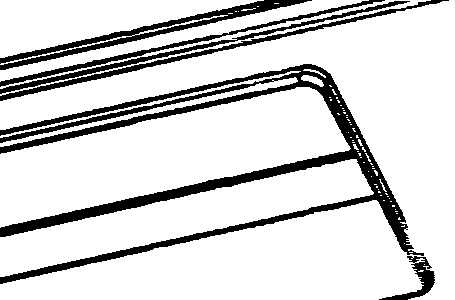
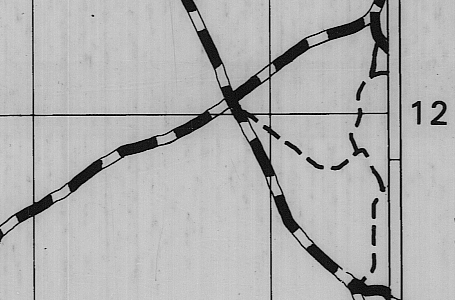
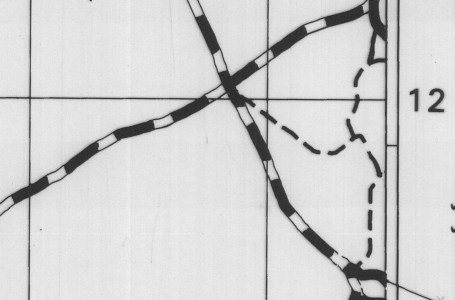
A higher end scanner and specialist software which work together to reduce marks in the image.
Delicate media may require a carrier to protect it as it travels through the scanner.

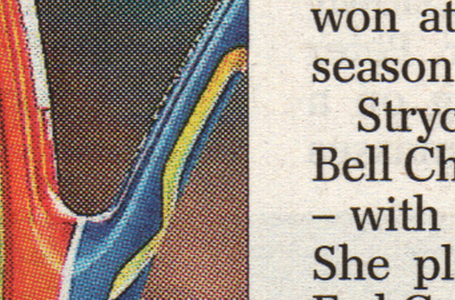
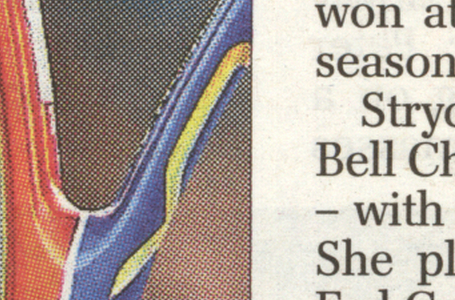
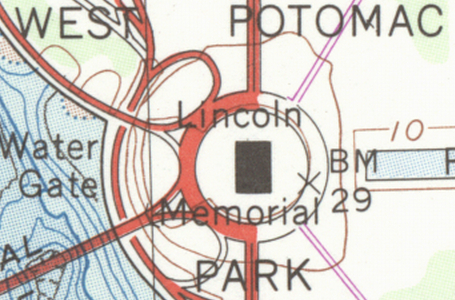
Scan after clean-up with SmartWorks software
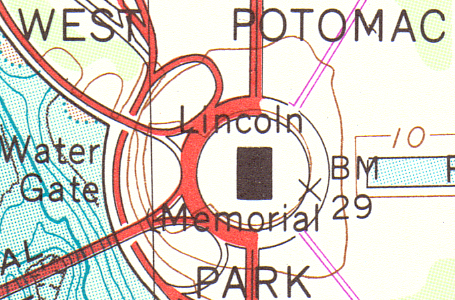
Original image with dark background
How do you work?
Do you scan single documents mostly, large batch runs occasionally or will the scanner be in constant use?
Your scanner requirements will vary depending on whether you work in a production environment, or with a shared scanner used intermittently. For a production environment your scanner will be in constant use and a low energy model using LEDs will reduce your running costs. A high speed scanner will also allow you to create scans more quickly.
For a scanner that needs to be shared in an office and walk-up scanning is a must you will need a scanner that turns on fast. This is no problem for a scanner twith LED lighting as these devices achieve maximum power virtually instantly.
Scan to file or scan to copy/print?
Scanners are almost always quicker than printers. If you usually scan to print then the scanner speed will not impact the speed of your work.
Scanning fine art and artwork
Does your originals require contact-free scanning?
A few large format CCD scanners on the market will scan contact-free. This digitization method highly applies to scanning fine art, fragile documents and any type of originals that require a more gentle touch.
A contact-free CCD scanner is designed to capture original artworks with precision, consistency, and care – enabling high-quality reproduction across multiple formats and outputs.
Contact us
Contact us to find out how Colortrac can help you further!