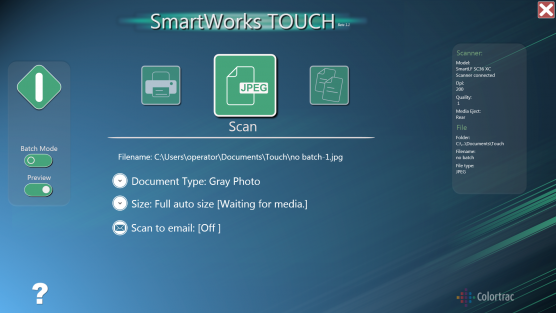
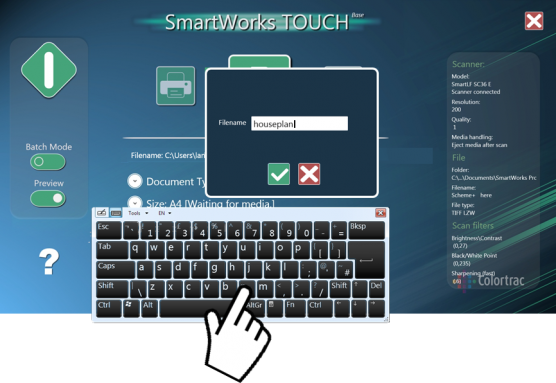
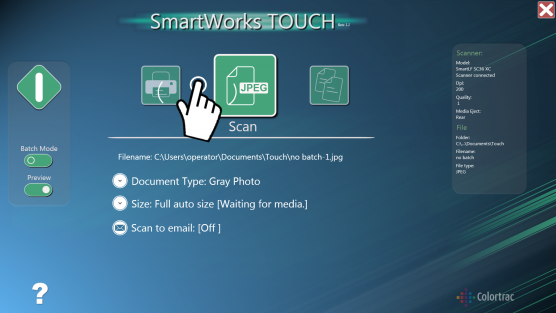
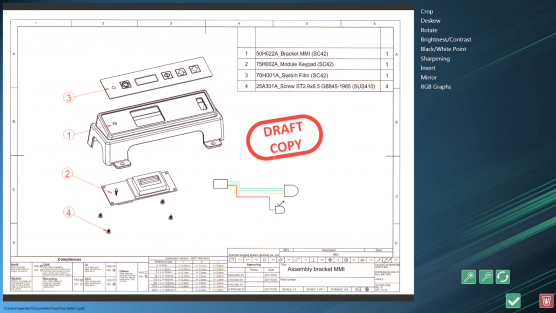

SmartWorks TOUCH operation is based around the document type. With this software you can scan, copy, print or email with full image preview and edit control.
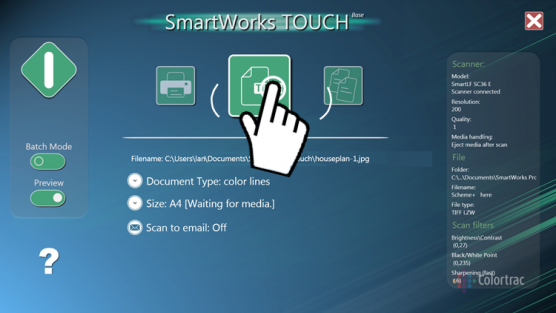
An efficient, single screen interface groups all controls and scanner information in one place. Use advanced two-finger pinch and flick gestures for zoom, image pan and parameter select on supported touch compatible monitors.
SmartWorks Touch is the easiest way to manage large format scanning, copying and printing.
| SmartWorks TOUCH | SmartWorks TOUCH MFP | |
|---|---|---|
| Availability | Free with SmartLF SCi and SmartLF SGi | Free with Colortrac’s Professional MFP Solution |
| Supported Scanners | SmartLF SCi, SmartLF SGi SmartLF SC Xpress, SmartLF SG |
SmartLF SCi MFP SmartLF SC Xpress MFP |
| Supported File Formats | Multipage PDF and TIFF Single page PDF, PDF/A, JPEG, JPEG2000, PNG, TIFF, TIFF G4, TIFF LZW, PCX, BMP, AutoCAD DWF Compression is 70% for JPEG, PDF and PDF/A file formats Multi-page PDF files not compressed |
Single page PDF, PDF/A, JPEG, TIFF, TIFF G4 Compression is 70% for JPEG, PDF and PDF/A file formats |
| Document Type | Sets color mode, dpi, file format and clean-up automatically. Color photo, color lines, color document, highlighter, gray photo, gray lines, pencil tracing, bw copy and bw original. |
Sets color mode, dpi, file format and clean-up automatically. Color photo, color lines, color document, highlighter, gray photo, gray lines, pencil tracing, bw copy and bw original. |
| Scan To | Raster file format (see supported formats), USB memory stick (automatically detected), e-mail (requires a pre-configured email client) | Raster file format (see supported formats), USB memory stick (automatically detected), e-mail (requires a pre-configured email client) |
| Scan-Once-Edit | No need to re-scan the document every time an adjustment is required. Reduces image process time and increases productivity (requires preview enabled) | No need to re-scan the document every time an adjustment is required. Reduces image process time and increases productivity (requires preview enabled) |
| File Naming | User definable with numerical suffix | User definable with numerical suffix |
| Color Space | sRGB | sRGB |
| Copy To | Any printer supported by a Windows printer driver. Software uses the default Windows printer driver (select from Windows Control Panel). | Any printer supported by a Windows printer driver. Software uses the default Windows printer driver (select from Windows Control Panel). |
| Any previewed scan file using the Windows printer driver | Any previewed scan file using the Windows printer driver | |
| Batch | Available with scan and copy | Available with scan and copy |
| Paper Sizes | Select automatic paper size detection by scanner or select size manually from ISO (A4, A3, A2, A1, A0), ANSI (A, B, C, D, E, E+), ARCH (A, B, C, D, E, E1) and 30 x 42. Landscape and portrait orientations. | Select automatic paper size detection by scanner or select size manually from ISO (A4, A3, A2, A1, A0), ANSI (A, B, C, D, E, E+), ARCH (A, B, C, D, E, E1) and 30 x 42. Landscape and portrait orientations. |
| Resolution (Optical dpi) | 100, 200, 300, 400, 600, 1200. For intermediate or extended resolutions above 1200 dpi the SmartWorks Imaging software is required. | 100, 200, 300, 400, 600, 1200. For intermediate or extended resolutions above 1200 dpi the SmartWorks Imaging software is required. |
| Preview | Scan, copy and print after previewing the original using the chosen document-type. AutoCAD DWF, multi-page and JPEG2000 formats are not printable from this software. | Scan, copy and print after previewing the original using the chosen document-type. AutoCAD DWF, multi-page and JPEG2000 formats are not printable from this software. |
| File Compatibility | AutoCAD (as raster), CAD, GIS and other raster image editing/storage applications | AutoCAD (as raster), CAD, GIS and other raster image editing/storage applications |
| Languages | Application: English, French, Chinese, Russian, Portuguese, Polish, Korean, Japanese, Italian, Spanish, German. Selected automatically to match language of PC operating system. Help: English. Requires internet connection and browser. |
Application: English, French, Chinese, Russian, Portuguese, Polish, Korean, Japanese, Italian, Spanish, German. Selected automatically to match language of PC operating system. Help: English. Requires internet connection and browser. |
| Operating Systems | Windows 11 64-bit, Windows Server 2025 | Windows 11 64-bit, Windows Server 2025 |
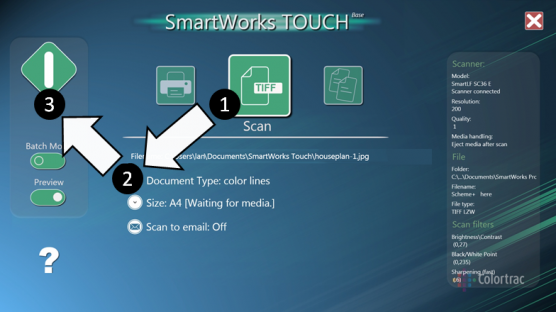
Based on document type, an efficient single screen interface groups all controls and scanner information.
| SmartWorks TOUCH | SmartWorks TOUCH MFP | |
|---|---|---|
| Availability | Free with SmartLF SCi and SmartLF SGi | Free with Colortrac’s Professional MFP Solution |
| Supported Scanners | SmartLF SCi, SmartLF SGi SmartLF SC Xpress, SmartLF SG |
SmartLF SCi MFP SmartLF SC Xpress MFP |
| Supported File Formats | Multipage PDF and TIFF Single page PDF, PDF/A, JPEG, JPEG2000, PNG, TIFF, TIFF G4, TIFF LZW, PCX, BMP, AutoCAD DWF Compression is 70% for JPEG, PDF and PDF/A file formats Multi-page PDF files not compressed |
Single page PDF, PDF/A, JPEG, TIFF, TIFF G4 Compression is 70% for JPEG, PDF and PDF/A file formats |
| Document Type | Sets color mode, dpi, file format and clean-up automatically. Color photo, color lines, color document, highlighter, gray photo, gray lines, pencil tracing, bw copy and bw original. |
|
| Scan To | Raster file format (see supported formats), USB memory stick (automatically detected), e-mail (requires a pre-configured email client) | |
| Scan-Once-Edit | No need to re-scan the document every time an adjustment is required. Reduces image process time and increases productivity (requires preview enabled) | |
| File Naming | User definable with numerical suffix | |
| Color Space | sRGB | |
| Copy To | Any printer supported by a Windows printer driver. Software uses the default Windows printer driver (select from Windows Control Panel). | |
| Any previewed scan file using the Windows printer driver | ||
| Batch | Available with scan and copy | |
| Paper Sizes | Select automatic paper size detection by scanner or select size manually from ISO (A4, A3, A2, A1, A0), ANSI (A, B, C, D, E, E+), ARCH (A, B, C, D, E, E1) and 30 x 42. Landscape and portrait orientations. | |
| Resolution (Optical dpi) | 100, 200, 300, 400, 600, 1200. For intermediate or extended resolutions above 1200 dpi the SmartWorks Imaging software is required. | |
| Preview | Scan, copy and print after previewing the original using the chosen document-type. AutoCAD DWF, multi-page and JPEG2000 formats are not printable from this software. | |
| File Compatibility | AutoCAD (as raster), CAD, GIS and other raster image editing/storage applications | |
| Languages | Application: English, French, Chinese, Russian, Portuguese, Polish, Korean, Japanese, Italian, Spanish, German. Selected automatically to match language of PC operating system. Help: English. Requires internet connection and browser. |
|
| Operating Systems | Windows 11 64-bit, Windows Server 2025 | |
For full details of host system requirements please go to: colortrac.com/support/system_requirements
SmartWorks Touch satisfies all the requirements for non-specialist large format scanning.
| Program Control Function | Touch/Touch MFP |
|---|---|
| Copy to printer | ● |
| Scan to file | ● |
| Print from file | ● |
| Select Document Type | ● |
| Adjust Document Type | ● |
| Speed Control | ● |
| Scan to USB Stick | ● |
| Auto detect USB Stick | ● |
| White Point Adjust | ● |
| Black Point Adjust | ● |
| Manual Skew | ● |
| Brightness Adjust | ● |
| Image Crop | ● |
| Rotate Image | ● |
| Sharpen Image | ● |
| Invert Image | ● |
| Mirror Image | ● |
| Black and White Threshold | ● |
| Preview | ● |
| Batch | ● |
SmartWorks Touch operation is based around the document type. With this software you can scan, copy, print or email with full image preview and edit control. An efficient, single screen interface groups all controls and scanner information in one place. Use advanced two-finger pinch and flick gestures for zoom, image pan and parameter select on supported touch compatible monitors. SmartWorks Touch is available in two editions, one provided free with the SCi and SGi scanners and one designed for the SmartLF Professional MFP Solutions.
The End User License Agreement governing your rights and the use of Colortrac software is available from the link below:
Colortrac Software EULA


© Colortrac 2026, all rights reserved, all trademarks acknowledged

Prospective purchasers of wide format scanners have a choice between SingleSensor (CIS) based scanners and the (typically) more expensive CCD image sensor technology
This on-line 'Challenge' is a tool to help you find the right imaging technology for scanning your Large Format documents. The result is based on your selection of comparative image samples.
Take the 2 minute SingleSensor Challenge to see which imaging technology is the best-fit for your originals and application requirements, be they CAD, GIS, graphics, blueprints or photos.


If you need to scan or copy Blueprint documents the Colortrac challenge will help you find the right scanner technology based on your own unique preferences.
A series of typical wide format document types will be displayed in sequence with two images shown side-by-side. One image scanned by SingleSensor and one by CCD.
Choose the image you prefer by clicking on the “Select” button underneath. If you cannot see a difference, you should select “No preference” in the middle bottom of the screen to continue.
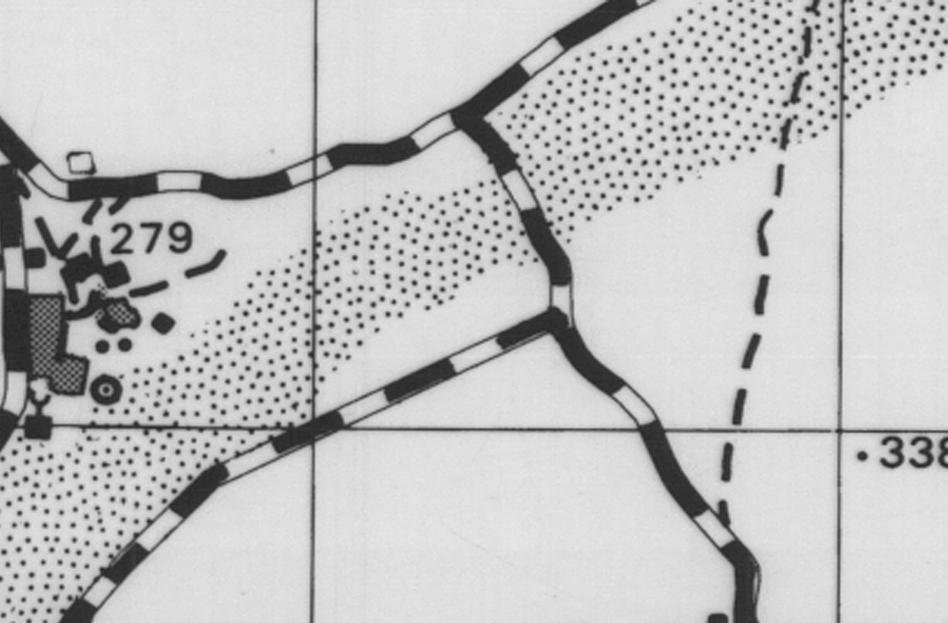
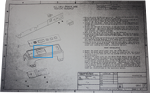
Document Size: 23" x 16"
Document Type: 1-bit adaptive bitonal
Document Format: 300dpi TIFF
Substrate: Inkjet Paper
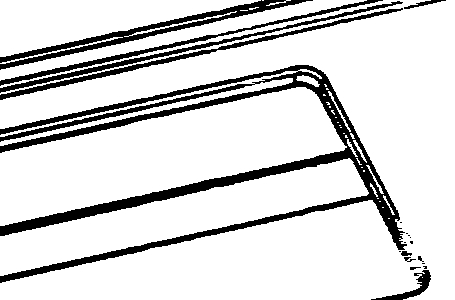
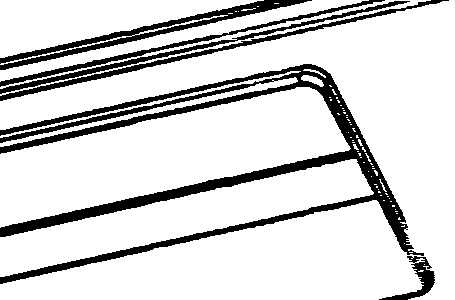
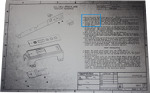
Document Size: 23" x 16"
Document Type: 1-bit adaptive bitonal
Document Format: 300dpi TIFF
Substrate: Inkjet Paper
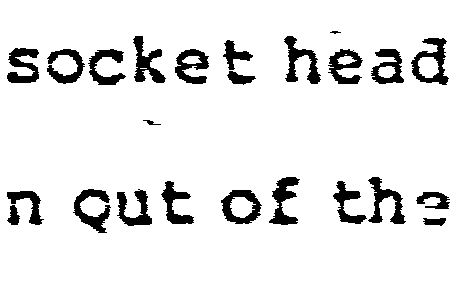
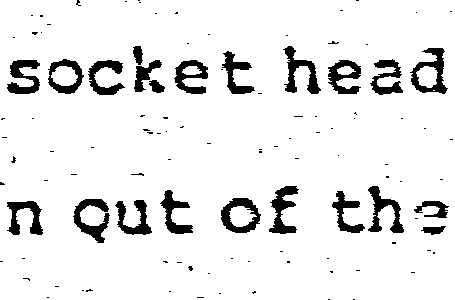
Document Size: 23" x 16"
Document Type: 1-bit adaptive bitonal
Document Format: 300dpi TIFF
Substrate: Inkjet Paper
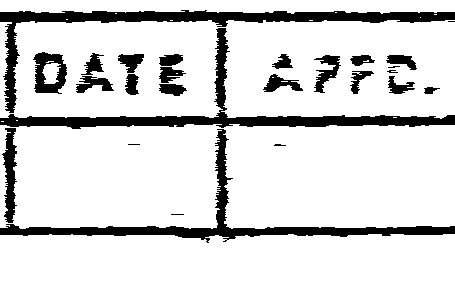
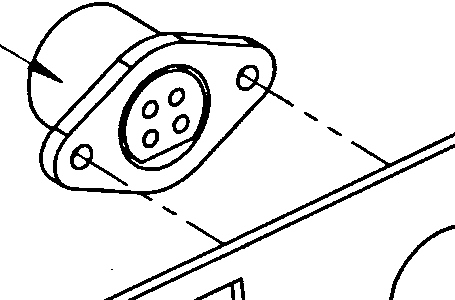
Document Size: 23" x 16"
Document Type: 1-bit adaptive bitonal
Document Format: 300dpi TIFF
Substrate: Inkjet Paper
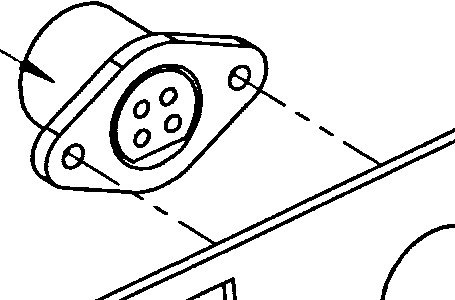
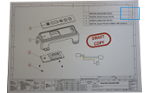
Document Size: 23" x 16"
Document Type: 1-bit adaptive bitonal
Document Format: 300dpi TIFF
Substrate: Inkjet Paper
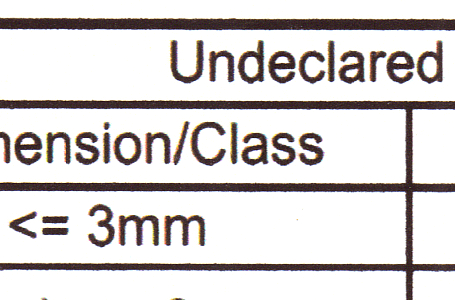
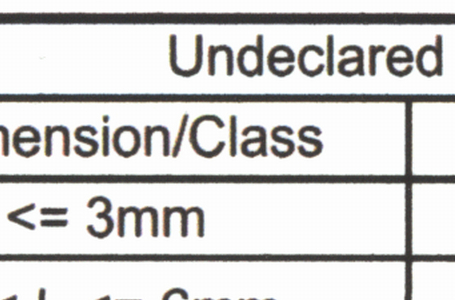
Document Size: 23" x 16"
Document type: Full Color Scan
Document Format: 300dpi sRGB TIFF
Substrate: Newspaper
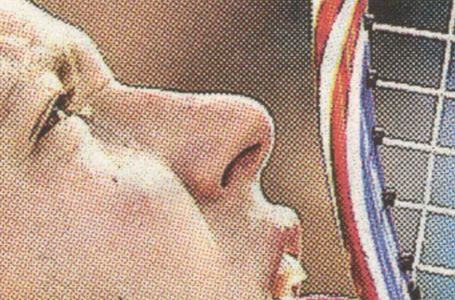
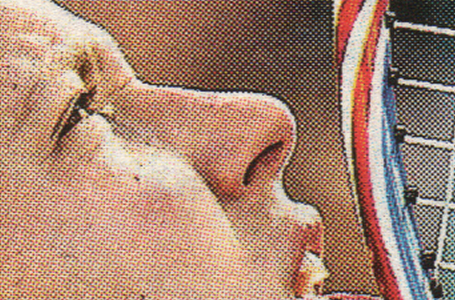
Document Size: 23" x 16"
Document type: Full Color Scan
Document Format: 300dpi sRGB TIFF
Substrate: Inkjet Paper
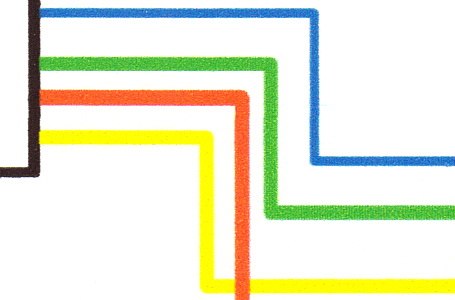
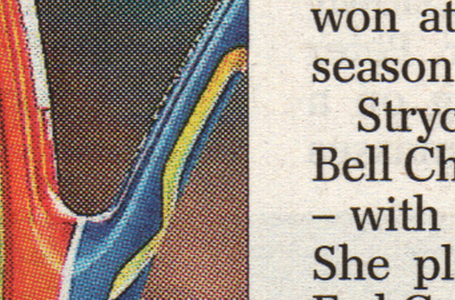
Document Size: 23" x 16"
Document type: Full Color Scan
Document Format: 300dpi sRGB TIFF
Substrate: Newspaper
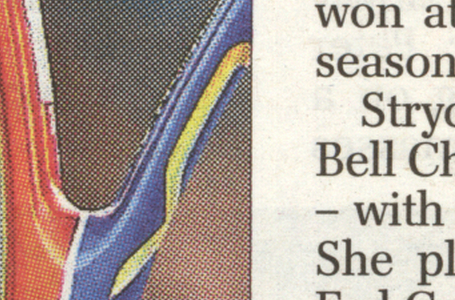
Document Size: 23" x 16"
Document type: Full Color Scan
Document Format: 300dpi sRGB TIFF
Substrate: Inkjet Paper
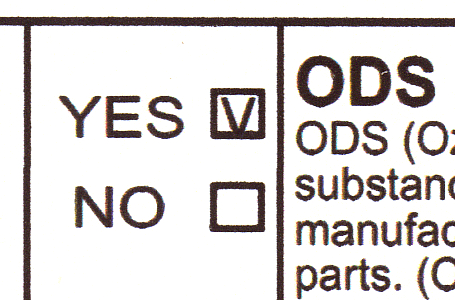
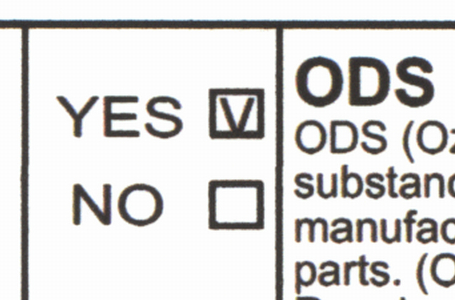
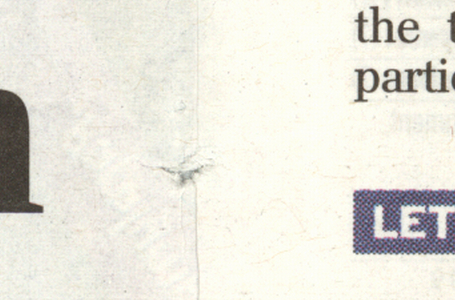
Document Size: 23" x 16"
Document type: Full Color Scan
Document Format: 300dpi sRGB TIFF
Substrate: Newspaper

If you need to scan CAD, GIS or MAP documents the Colortrac challenge will help you find the right scanner technology based on your own unique preferences.
A series of typical wide format document types will be displayed in sequence with two images shown side-by-side. One image scanned by SingleSensor and one by CCD.
Choose the image you prefer by clicking on the “Select” button underneath. If you cannot see a difference, you should select “No preference” in the middle bottom of the screen to continue.
Document Size: 23" x 16"
Document type: Full Color Scan
Document Format: 300dpi sRGB TIFF
Substrate: Inkjet Paper
Document Size: 23" x 16"
Document type: Full Color Scan
Document Format: 300dpi sRGB TIFF
Substrate: Inkjet Paper
Document Size: 23" x 16"
Document type: Full Color Scan
Document Format: 300dpi sRGB TIFF
Substrate: Inkjet Paper
Document Size: 23" x 16"
Document type: Full Color Scan
Document Format: 300dpi sRGB TIFF
Substrate: Inkjet Paper
Document Size: 36" x 24"
Document type: Greyscale Scan
Document Format: 300dpi TIFF
Substrate: Clear Acrylic Film
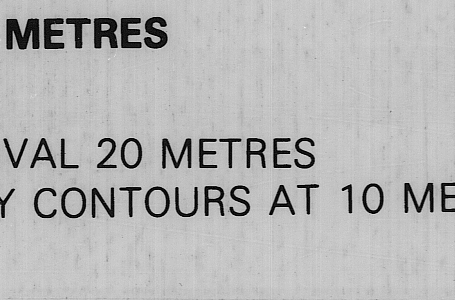
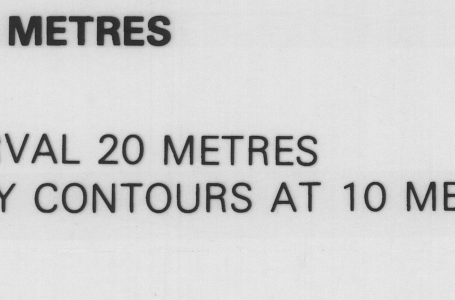
Document Size: 24" x 16"
Document type: Full Color Scan
Document Format: 300dpi sRGB TIFF
Substrate: Inkjet Photo paper
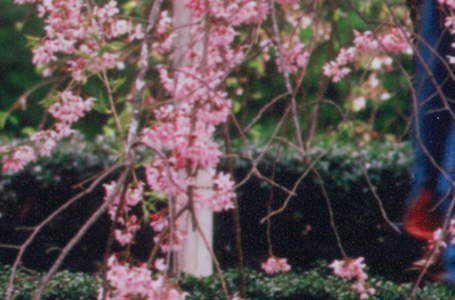
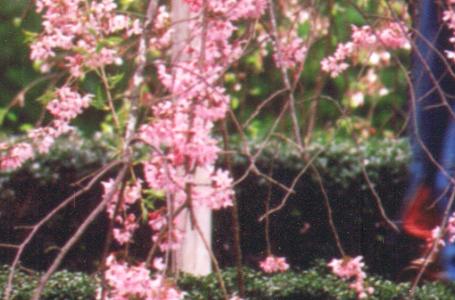
Document Size: 36" x 24"
Document type: Greyscale Scan
Document Format: 300dpi TIFF
Substrate: Clear Acrylic Film
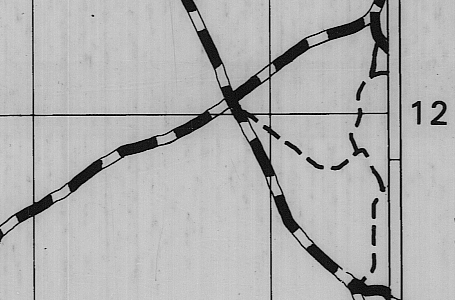
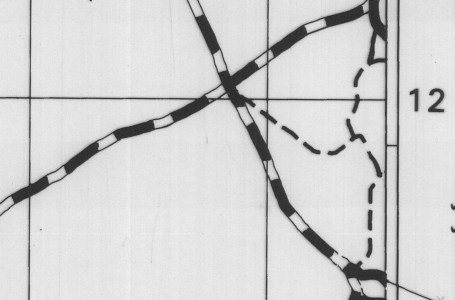
Document Size: 24" x 16"
Document type: Full Color Scan
Document Format: 300dpi sRGB TIFF
Substrate: Inkjet Photo Paper
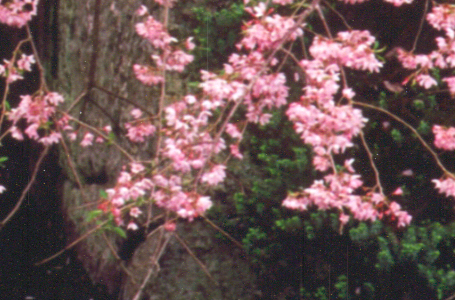
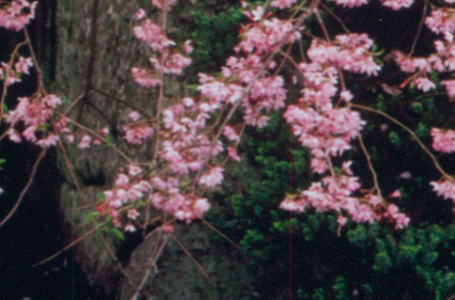
Document Size: 36" x 24"
Document type: Greyscale Scan
Document Format: 300dpi TIFF
Substrate: Clear Acrylic Film
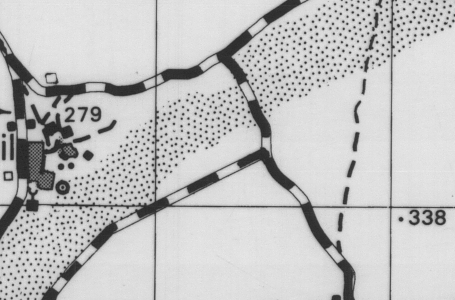
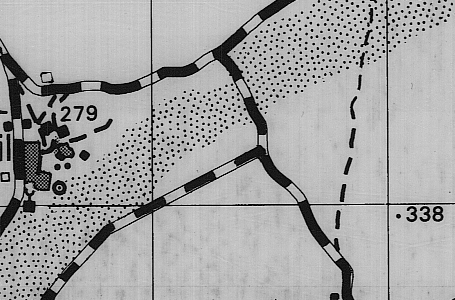
Document Size: 24" x 16"
Document type: Full Color Scan
Document Format: 300dpi sRGB TIFF
Substrate: Inkjet Photo Paper
If you need to scan graphic or photographic documents the Colortrac challenge will help you find the right scanner technology based on your own unique preferences.
A series of typical wide format document types will be displayed in sequence with two images shown side-by-side. One image scanned by SingleSensor and one by CCD.
Choose the image you prefer by clicking on the “Select” button underneath. If you cannot see a difference, you should select “No preference” in the middle bottom of the screen to continue.
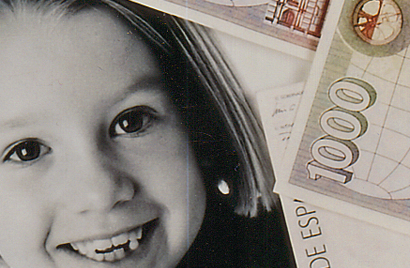
Document Size: 23" x 15"
Document type: Full Color Scan
Document Format: 300dpi sRGB TIFF
Substrate: Newspaper
Document Size: 23" x 15"
Document type: Full Color Scan
Document Format: 300dpi sRGB TIFF
Substrate: Newspaper
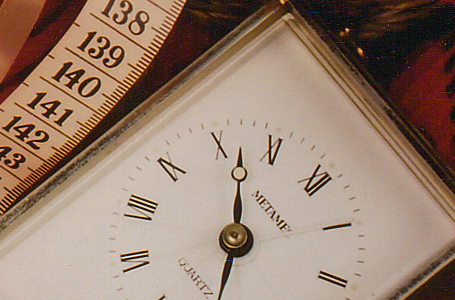
Document Size: 12" x 12"
Document type: Full Color Scan
Document Format: 300dpi sRGB TIFF
Substrate: Gloss Photo Paper
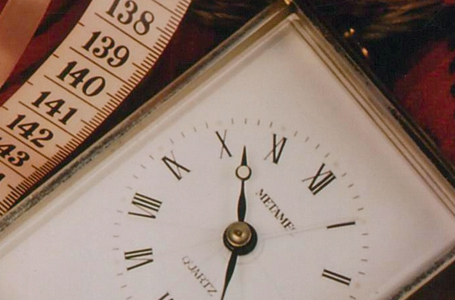
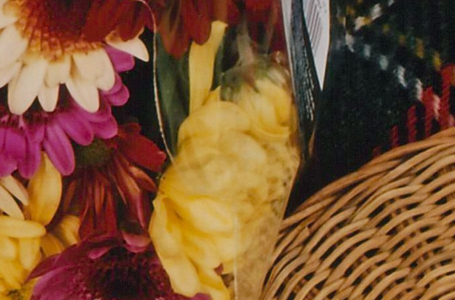
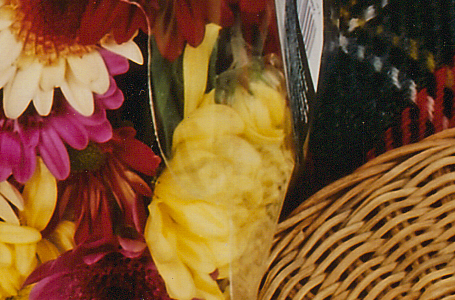
Document Size: 12" x 12"
Document type: Full Color Scan
Document Format: 300dpi sRGB TIFF
Substrate: Gloss Photo Paper
Document Size: 33" x 23"
Document type: Full Color Scan
Document Format: 300dpi sRGB TIFF
Substrate: Paper
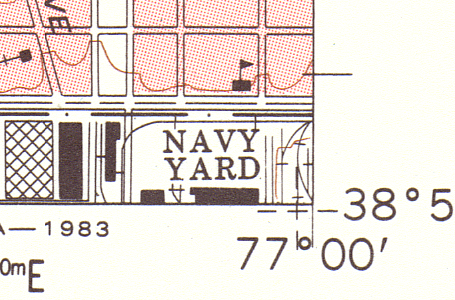
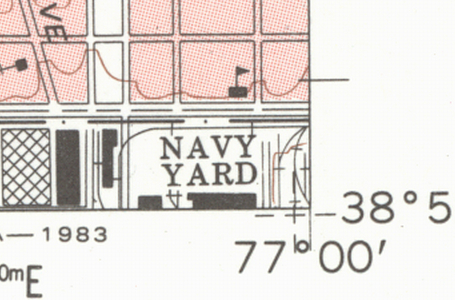
Document Size: 12" x 15"
Document type: Full Color Scan
Document Format: 300dpi TIFF
Substrate: Polyester
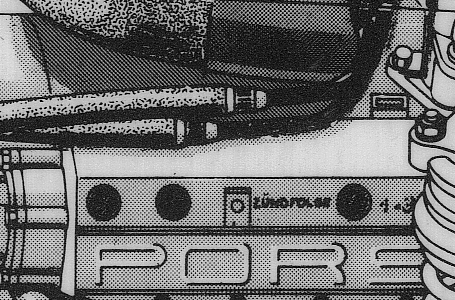
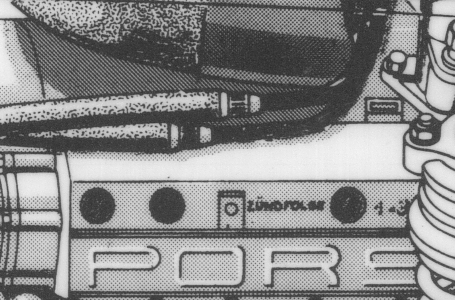
Document Size: 33" x 23"
Document type: Full Color Scan
Document Format: 300dpi sRGB TIFF
Substrate: Paper
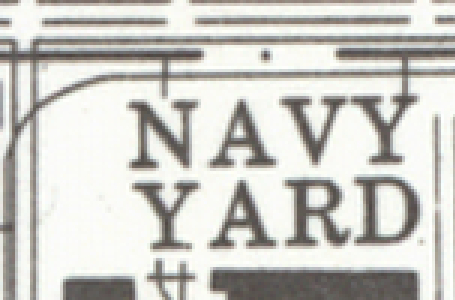
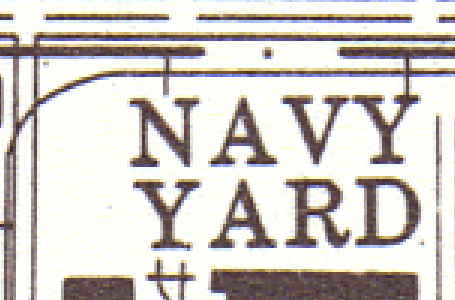
Document Size: 12" x 15"
Document type: Full Color Scan
Document Format: 300dpi TIFF
Substrate: Polyester
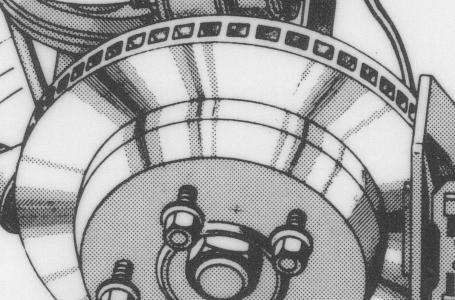
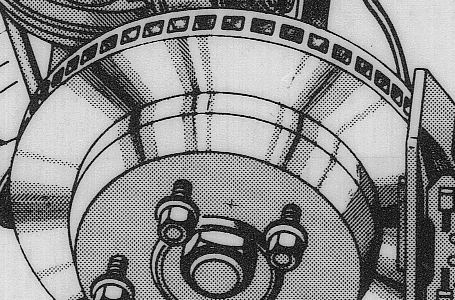
Document Size: 33" x 23"
Document type: Full Color Scan
Document Format: 300dpi sRGB TIFF
Substrate: Paper
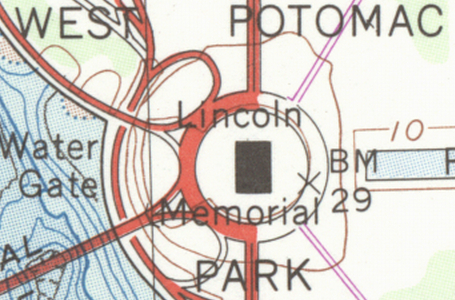
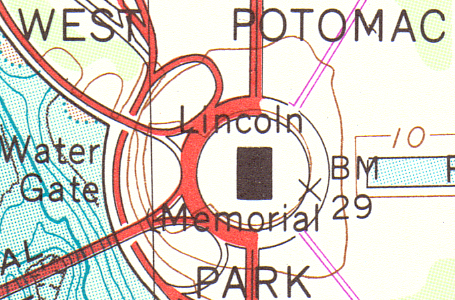
Document Size: 12" x 15"
Document type: Full Color Scan
Document Format: 300dpi TIFF
Substrate: Polyester
Now let us help you pick the perfect scanner for your needs