SmartWorks Pro -
One Interface, Three Applications
| AEC |
Repro |
CAD |
GIS |
In-house Repro |
Photolabs |
Data Capture |
Graphics |
Quick Print |
 |
 |
 |
 |
 |
 |
 |
 |
 |
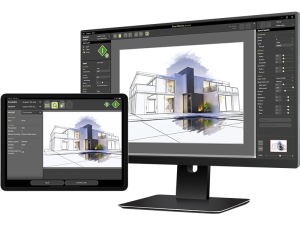
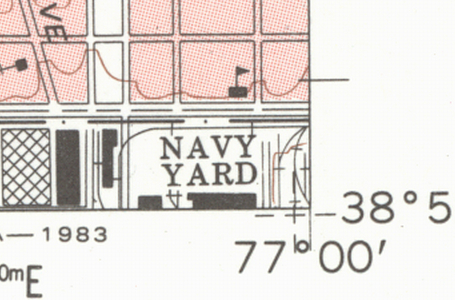
SmartWorks Pro is the productivity tool for high-volume large format scanning applications - providing great color images straight-out-of-the-box!
Using a Mouse or Touch Screen enabled displays, the intuitive Graphical User Interface guides you quickly through any scanning process, making rapid changes to the image quality if required.
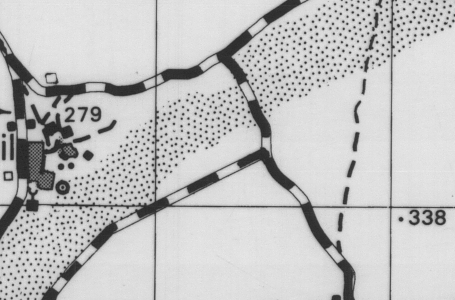
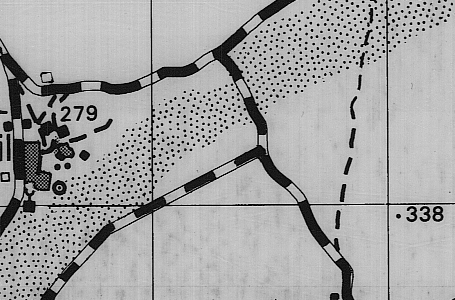
The Scan-once workflow allows you to make adjustments of the scanned image without any further scanning. Further enhance your productivity by using the 10 Preset Filters for quick pre-selection of your key scanning parameters. Intelligent Adaptive Thresholding allows the automatic removal of unwanted background to provide clean copies. Fully integrated ICC color management in the SmartWorks Pro viewer provides accurate representation of scanned and printed output.
The unique SmartWorks Pro workflow can mean an overall improvement in scanning efficiency of 40% compared with the more common pre-scan, rewind, scan and edit methods used by other large format scan systems.
SmartWorks Pro is a cost option with any SmartLF scanner and is available in 3 variants:
- Scan - scan only
- Copier - copying only
- Scan & Copy - scan to file and copy simultaneously
SmartWorks Pro - Features
One Interface - Three Applications
- Scan (scan only)
- Copier (copy only)
- Scan & Copy (scan to file and copy - simultaneously)
|
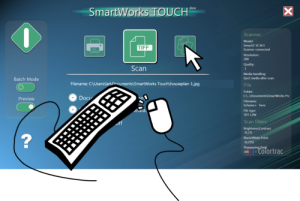
Either Mouse or Touch Compatible
- Choose the style of operation that suits you
- Use Touch Screen operation when using the software mostly with the program defaults
- e.g.: "Press the Green Button" copying and so on
- Use the Mouse for in-depth manipulation of the scanned image, modification of the presets
|
Optimised Windows Printer Driver Support
- Great color, straight out of the box
- Use any Windows compatible printer to get the printed output you need
|
Scan Once
- Edit straight from the scan, as many times as you need
- No need to re-scan the file every time you need to make an adjustment
- Reduces image process time and increases productivity
|
Many Automatic Features
- Auto paper size detection
- Auto start scanning
- Auto Name / Date & Time stamp - including Overwrite Control
- Auto File Save
- Improved Auto Paper De-skew
|
Advanced Editing Features
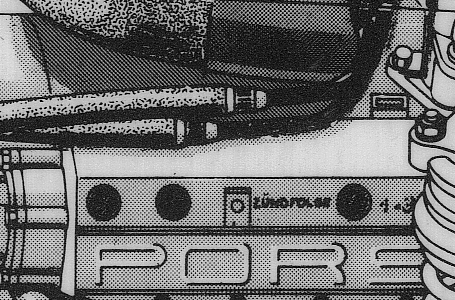
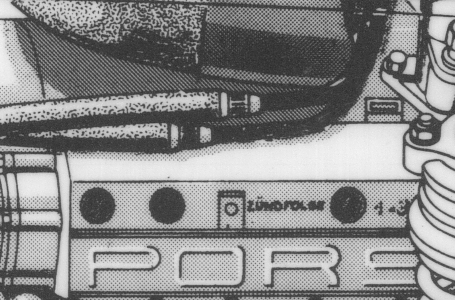
- Smooth de-skew - squares the scan and minimises the stress in the original document
- Exterior Borders - quickly produce large printed outputs based on inputs scanned
- 4-Vu (multiple views) - specify 4 separate areas of the document being scanned to monitor content or quality as its scanned
- Efficient High Speed Viewer - fully customisable
- 10 Preset filters for repeatable best results with common document types
|
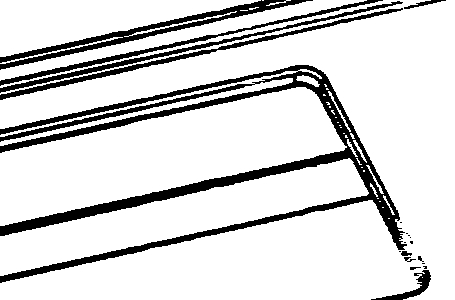
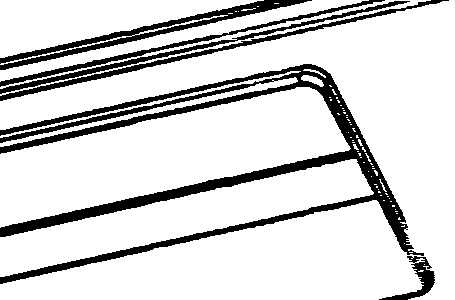
Multiple Black & White Modes
- Gray scale - 8 bit, 256 levels of gray
- Bi-tonal (simple original)
- Adaptive Thresholding (difficult original)
- Fully Dithered (Photo, Line Art & Mixed)
- Able to restore data on damaged originals
|
Total Color Management
- Transform and enhance all aspects of scanned images and colors
- Profile Scanner and printer for pristine reproduction of color where used
- Display images on a calibrated screen (third party software required)
- Save scans with embedded RGB profile
- Create printer profiles for your print material to create the best color output
- Repeatable quality scan after scan, copy after copy
|
Functionally Adaptive User Interface
- Simple set-up of scanning for non-specialist users
- Quick access to the full feature set for the professional allowing them to ensure the quality of individual scans
|
Fully Indexed Help File
- Fully indexed Help file in 10 languages - including: Chinese, English/US, French, German, Italian, Japanese, Korean, Portuguese, Russian and Spanish
- Subject and contextual search for rapid results
|
Supported File Formats
SmartWorks Pro v 1.0.1.8 March 2011 |
| Format Name | Description |
| TIFF | black and white, greyscale or color, no compression |
| TIFF packed bits | black and white, greyscale or color, lossless, fixed compression |
| TIFF LZW | black and white, greyscale or color, high efficiency, lossless, fixed compression |
| TIFFG3 | black and white, lossless, fixed compression |
| TIFFG4 | black and white, lossless, fixed compression |
| JPEG | black and white, greyscale or color, lossy, variable compression |
| JPEG2000 | black and white, greyscale or color, lossy and lossless, variable compression |
| PDF | black and white, greyscale or color, lossy, variable compression |
| PNG | greyscale or color, lossless, fixed compression |
| Major points: User compression/quality rates for PDF and JPEG, JPEG2000. LZW high efficiency format |
|
1. The PC monitor must be color calibrated to achieve accurate image results
2. Automatic De-skewing only available in conjunction with the Gx+ products
Product Brochure
SmartWorks Pro large format scanning and copying software brochure (pdf)
Evaluation
Click here to download an evaluation version of SmartWorks Pro